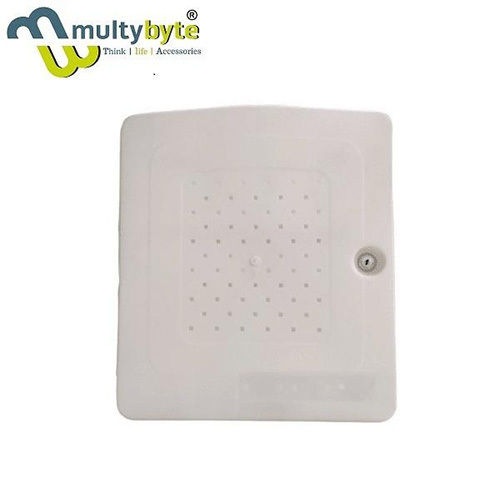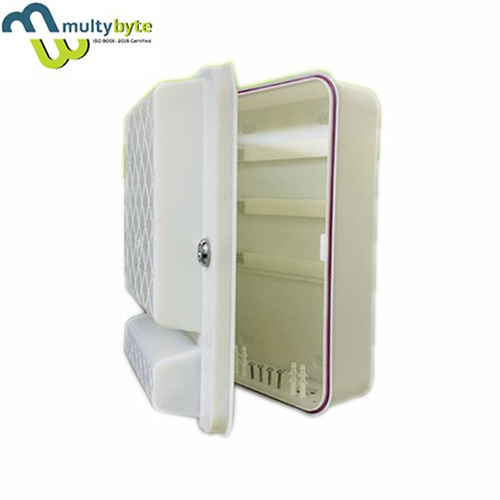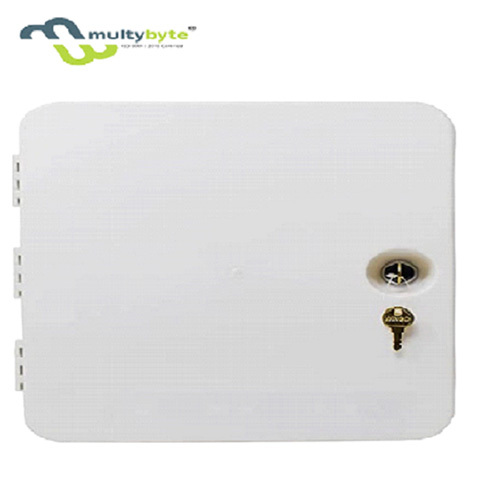
उत्पाद वर्णन
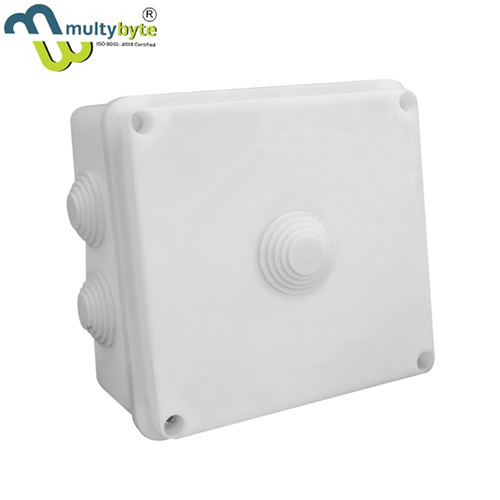
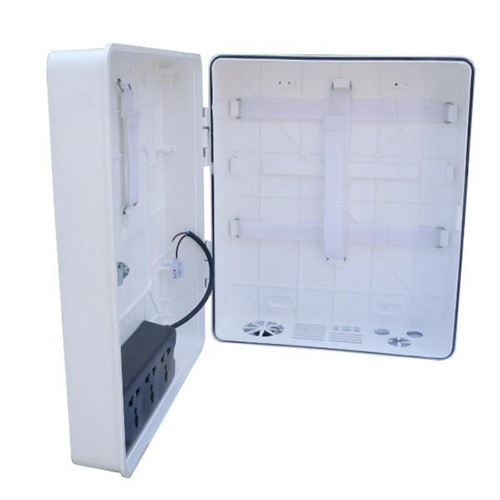
Weatherproof Poe Pvc boxes, perfect for use outdoors, Poe Pvc box means these are well protected from rain and water splash back, making them perfect for joining wires inside. Easy to install and easy to use. 4.100% brand new and high quality. Junction box means these are well protected from rain and water splash back, making them perfect for joining wires inside.
Waterproof Poe Pvc Box,>Material: Plastic>Durable, Dust-proof, Waterproof, Weatherproof>Weatherproof and Waterproof. Well Protected from Rain and Water Splash Back, Making Them Perfect for Joining Wires Inside.>Made of Durable Plastic Material. Easy to Install and Easy to Use.
Comprehensive Surveillance ManagementThis 16 Channel DVR POE PVC Box offers seamless integration for up to 16 IP camera inputs, making it ideal for extensive surveillance networks in industrial or commercial environments. With advanced HD video compression and PoE-supported connectivity, installation and system scalability are hassle-free.
Versatile Installation and UseFeaturing a robust PVC box design, the DVR can be easily wall- or desktop-mounted to suit site-specific needs. With support for wide operating temperatures and a clean white finish, it complements various installation environments and maintains stable performance under typical industrial conditions.
Robust नेटवर्क and Data Backup FeaturesEquipped with multiple network protocols, this DVR offers flexible options for data management and seamless integration with modern IT infrastructures. Backups are straightforward via USB or network, ensuring critical video evidence is always retrievable in several formats.
FAQ's of 16 Channel DVR POE Pvc Box:
Q: How is the 16 Channel DVR POE PVC Box installed and what environments are suitable for its use?
A: The DVR can be mounted on a wall or placed on a desktop, making it adaptable to various industrial and commercial settings. Its wide operating temperature range (-10C to +50C) ensures reliable performance in typical indoor environments, such as offices, warehouses, or factories.
Q: What types of cameras and channels does the DVR support?
A: This DVR unit is compatible with up to 16 IP cameras, supporting different brands and resolutions based on the camera's capabilities. The actual camera range, pixels, and video quality depend on the specifications of the connected cameras.
Q: When should I use network backup versus USB backup for video files?
A: नेटवर्क backup is ideal for large-scale or remote access storage when constant connectivity is available. USB backup is better for quick, local transfers or when portability is crucial, such as transferring evidence off-site.
Q: Where can I monitor live footage and what output options are available?
A: Live monitoring can be accessed locally via HDMI or VGA displays connected to the DVR, or remotely through network streaming with compatible software. Video files can also be exported via USB or streamed over the network for flexible review.
Q: What network protocols are supported by the DVR, and how do they benefit system integration?
A: The DVR supports protocols like TCP/IP, DHCP, DDNS, PPPoE, FTP, SMTP, NTP, and UPnP. These allow seamless connectivity with modern IT systems, easy remote access, time synchronization, and integration with various network infrastructures.
Q: How does PoE (Power over Ethernet) simplify the camera connection process?
A: PoE enables both power and data to be transmitted through a single Ethernet cable to each camera, reducing cable clutter, simplifying installation, and often lowering overall system costs.
Q: What process should be followed for upgrading storage, and what are the HDD specifications?
A: To expand storage, install a compatible SATA HDD (ranging from 2TB to 8TB, depending on model). Power off the DVR, open the PVC enclosure, connect the HDD to the SATA port, and secure it. Once powered up, the DVR will detect the drive for video storage.